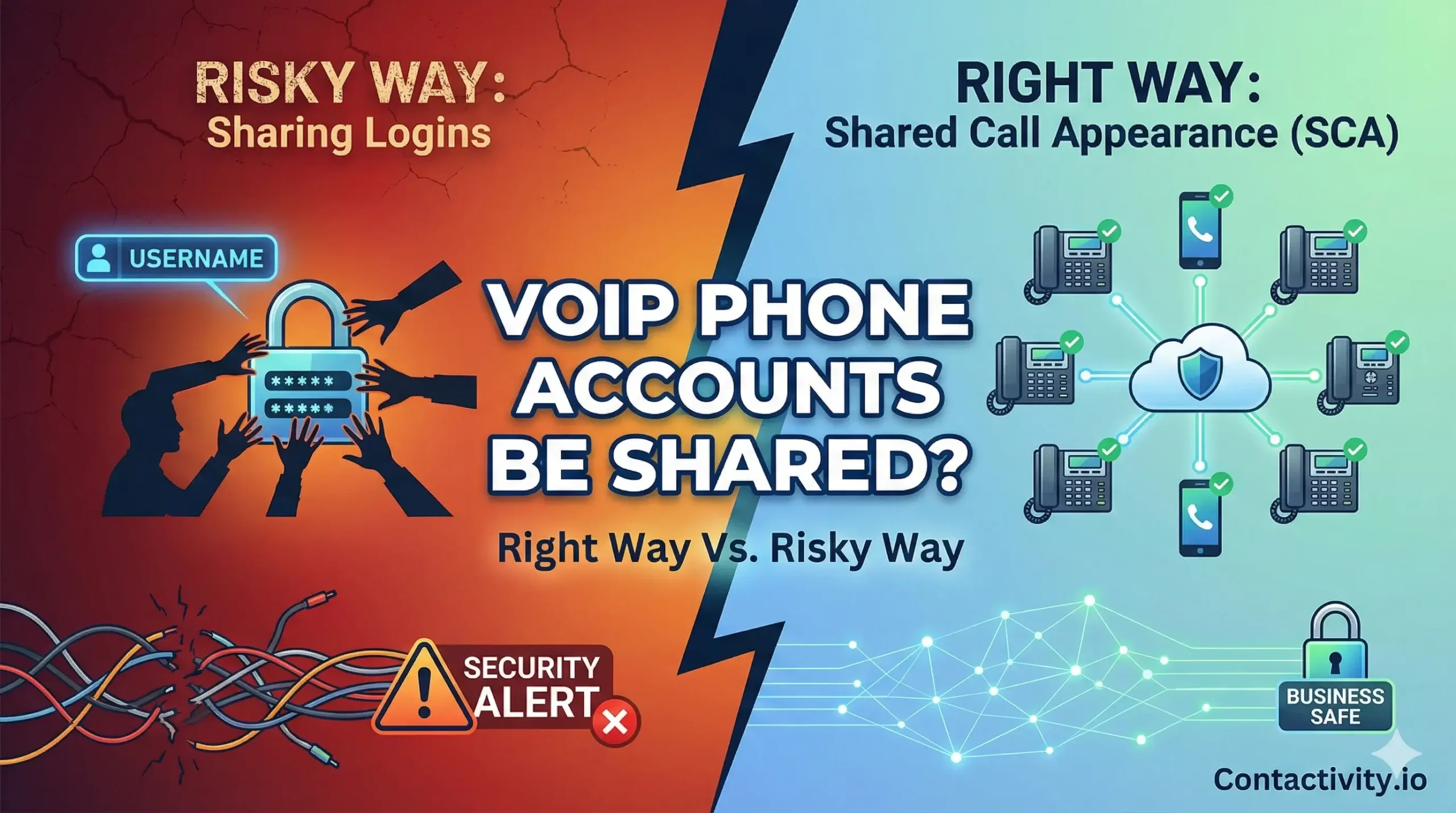
It is one of the most common questions we hear from small business owners in the United States of VoIP phone users:
“Can I just give my username and password to my sales team so they can all share one line?”
The short answer is yes, technically you can, but you probably shouldn’t.
While sharing softphone credentials might seem like a quick way to achieve business phone cost savings,
it often leads to technical conflicts, security risks, and frustrated customers.
At Contactivity, we believe in doing things the right way. There is a massive difference between “sharing a login” and “sharing a phone number.” Here is everything you need to know about sharing VoIP phone accounts legally, securely, and professionally.
Method 1: How to Efficiently Share Phone Numbers With VoIP
Many businesses try to cut costs by purchasing a single user “seat” and sharing that login across five different smartphones. While some unified communications apps might allow concurrent logins,
This method is fraught with “hidden” technical issues.
1. The “Call Collision” Nightmare
Imagine two employees, Mark and Sarah, are both logged into the same account on their laptops. Mark tries to make a sales call at 2:00 PM. At 2:01 PM, Sarah tries to dial a vendor. Because they are using the same identity, the system may block Sarah’s call or, worse, disconnect Mark mid-sentence. This is known as call collision, and it looks incredibly unprofessional to your clients.
2. Two-Factor Authentication (2FA) Conflicts
Modern VoIP phone security relies on 2FA, making password sharing a nightmare.
Imagine a worker in Texas waiting for a code that just pinged the manager’s phone in New York. This doesn’t just kill productivity; it exposes your business to unnecessary security risks.
3. Call Logging Confusion
When five people share one account, your analytics are useless. You will have no way of knowing if it was John or Jane who spoke to that angry customer, because the CRM only sees “User 1.”
Method 2: The Professional Way (How Contactivity Does It)
- The professional alternative is simple: stop sharing passwords.
- Instead, start using features designed for remote team collaboration. This allows you to route one phone number to multiple people—without the technical headaches.
Shared Call Appearance (SCA)
Also known as bridged line appearance, Shared Call Appearance (SCA) mimics the old-school “Key System” phone lines.
- How it works: “Line 1” appears on everyone’s desk phone or app.
- The Benefit: If a call is on hold on Line 1, anyone in the office can see the blinking light (or icon) and pick it up. This prevents call collision because the system knows the line is in use.
Ring Groups & SIP Forking
To achieve simultaneous ringing—where every device rings at the exact same time—you simply need a Ring Group.
- Ring Groups: All phones ring at the same time; the first person to pick up gets the call.
- Hunt Groups: The call rings User A first, then User B, then User C.
Virtual Extensions
You can use auto-attendant routing (e.g., “Press 1 for Sales”) to direct calls to specific people. This allows your team to answer calls without needing full administrative access to the main account.
Can two devices share one phone number?
Sometimes, you aren’t trying to share a number with a colleague, but with yourself. You want the phone to ring on your desk phone, your laptop, and your cell phone app.
This is standard multi-device support. However, be aware of SIP registration limits (the device limit per extension). Most providers allow 3 to 5 devices to be registered to a single user extension. If you try to log in on a 6th device, the 1st one may be kicked offline.
Comparison: Shared Logins vs. Shared Extensions of VoIP Phone Account
If you are debating between “hacking” the system by sharing a password or setting it up correctly with Contactivity, here is the breakdown:
Feature
- Sharing Login Credentials (The “Hack”)
- Sharing via Ring Groups/SCA (The Pro Way)
- Simultaneous Ringing
- Unreliable; often causes disconnects.
- Seamless; powered by SIP forking.
Call Visibility
- None. You can’t see if the line is in use.
- Full. Bridged line appearance shows active status.
Security
- Low. 2FA conflicts and password leaks.
- High. Each user has their own secure login.
Call Reporting
- Broken. Call logging confusion ruins data.
- Accurate. See exactly who answered the call.
Cost
- Lowest (Free).
- Affordable (Standard feature included in most plans).
Conclusion: Share Lines, Not Passwords
While you can share a VoIP phone account login, the concurrent logins often lead to dropped calls and security nightmares. It is simply not worth the risk for a growing US business.
By using professional features like Ring Groups and Shared Call Appearance,
You can enjoy true business phone cost savings.
Need help configuring a shared line for your team? Contactivity simplifies shared calling without the technical headaches. Stop fighting with passwords and start communicating.